Condition photos, before and after
Photograph the car at handover and again at return, then read the two sets side by side.
The proof works because you capture the car's condition at both ends of the hire. Photos when it goes out, photos when it comes back, sitting in one record. "It was already like that" stops working.
Photographing the car at handover
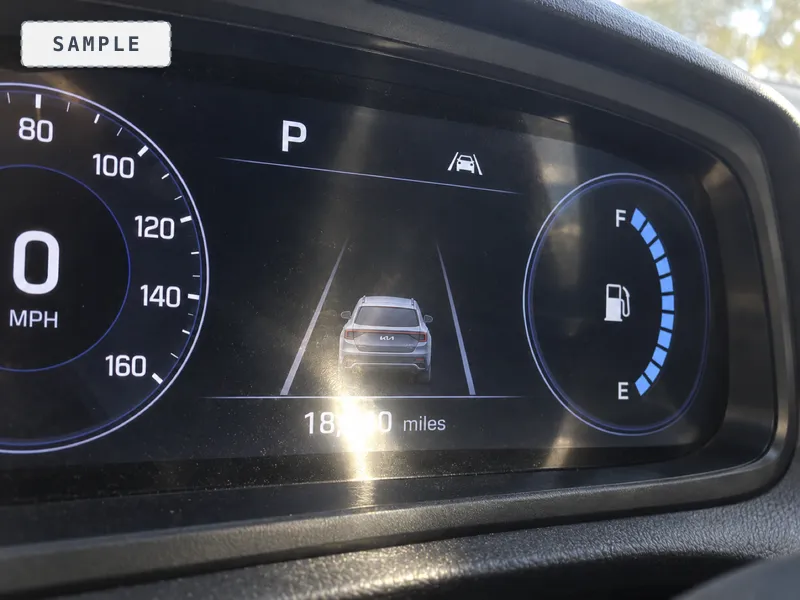
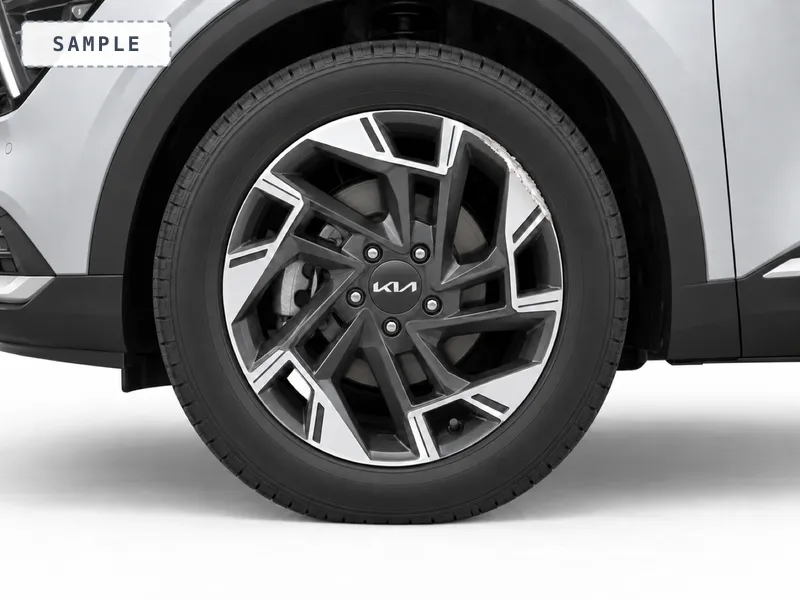
When you hand the car over, you photograph its condition, with the hirer beside you, and the hirer can then confirm the set on their own link. Go around the whole car: each corner, each side, the wheels, the windscreen, and the mileage. These shots are timestamped and land on the record.
There are two ways to add them. Take photo opens the camera and is deliberately a big target, because it is the one thing in this portal you tap standing at a car in the rain. From library reaches the camera roll for shots you have already taken. Both accept several at once, and you see which one is uploading as it goes. If any fail, KeyProof names the ones that did not go up so you know exactly what to retake.
If nobody from your firm will be at the car, send the hirer their link from the booking and they take the set on their own phone. If someone else is taking the car over for you, such as a driver, create a handover link from the booking: their photos land on this hire, and the link shows them nothing about the hirer.
These photos protect the hirer as much as you. A scratch that was already there cannot later be pinned on them.
A good shot, and the usual misses
A photo only protects you if it shows what it says it shows. Here are four common misses, each beside the shot it should have been. When a shot looks too dark or blurred, KeyProof says so before it uploads and offers Retake or Keep anyway, so it can be put right at the car. A cropped plate or glare on the mileage is yours to spot.

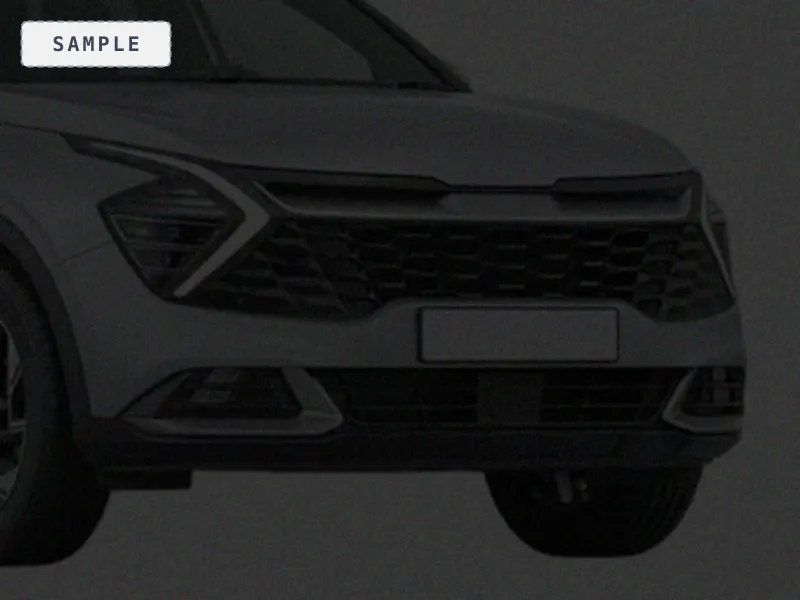


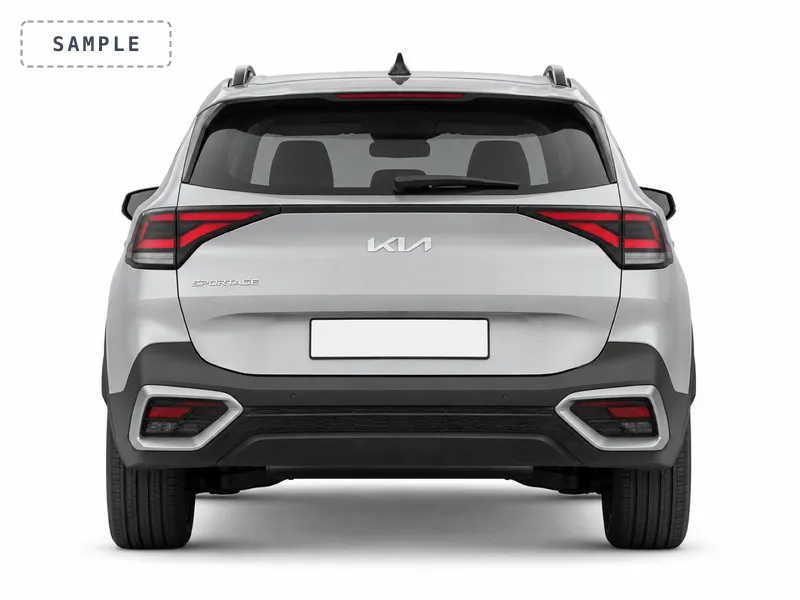
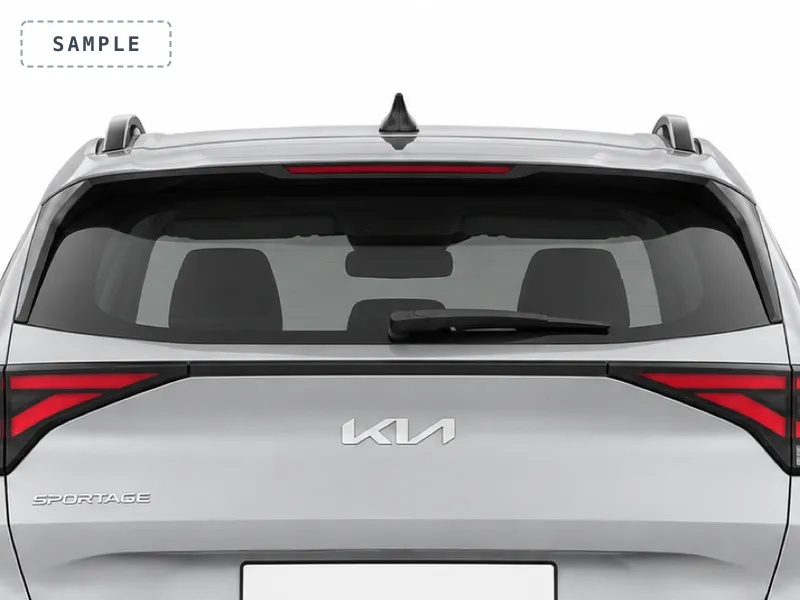
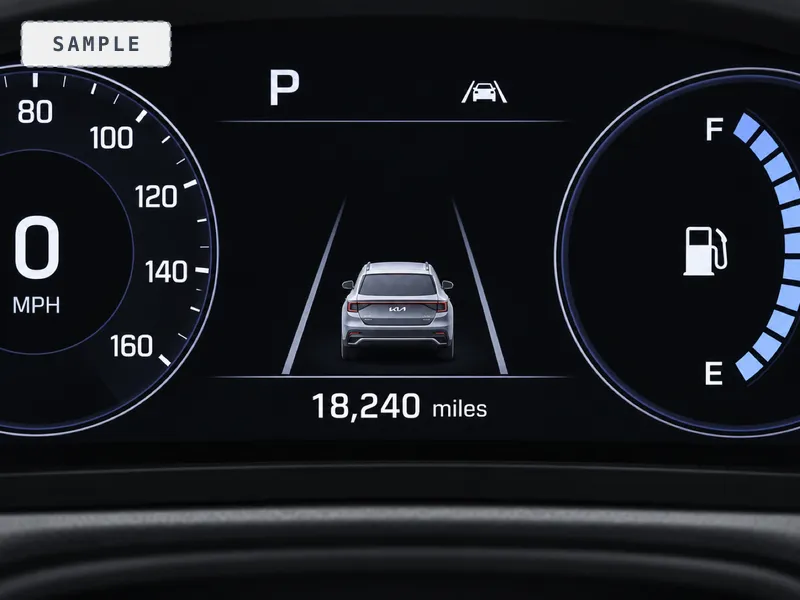
Photographing it again at return
When the car comes back, photograph it again from the same angles as your handover shots, with the hirer there. If nobody from your firm is there when it comes back, send the hirer their link and they take the return set themselves. The two sets stay grouped as handover and return.
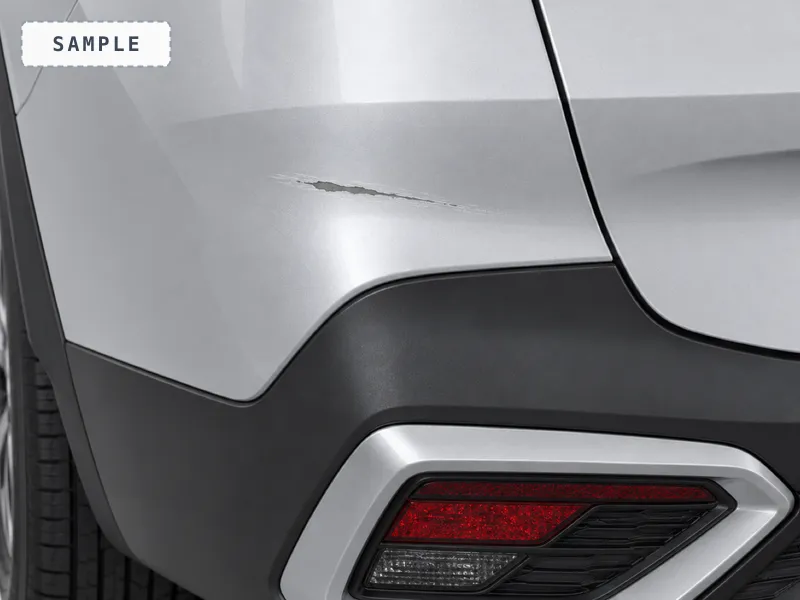
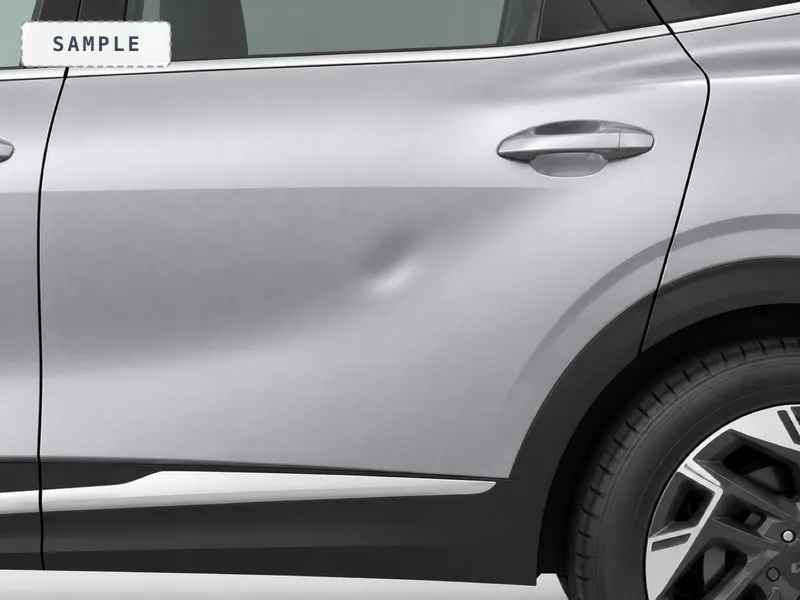
Minor damage is what a return set is for: the kind a hirer can genuinely miss and a firm can genuinely dispute. Get close enough that the mark fills the frame, in light that shows its shape.
Compare before and after
Once both sets exist, a Condition compare panel appears at the top of the photos: handover down one side, return down the other. Tap any shot to enlarge it full screen and look properly. This is what you open when a hirer argues about a mark, and it is where a dispute sends you.
The named set, on every hire
Every hire runs a named set of 6 condition shots. The hirer sees it as a checklist, and the car is not marked out until the set is complete; an override is written on the record. This is on every plan and on every car, with nothing to switch on. See The full evidence treatment on every hire.
Once a hire is closed, its photos can no longer be added to or changed. That is deliberate: a record you can edit after the fact is not evidence. If something needs adding, do it before you close the hire.