Fines and liability transfer
Log a PCN or speeding notice, link it to the hirer, and recharge them or transfer the liability.
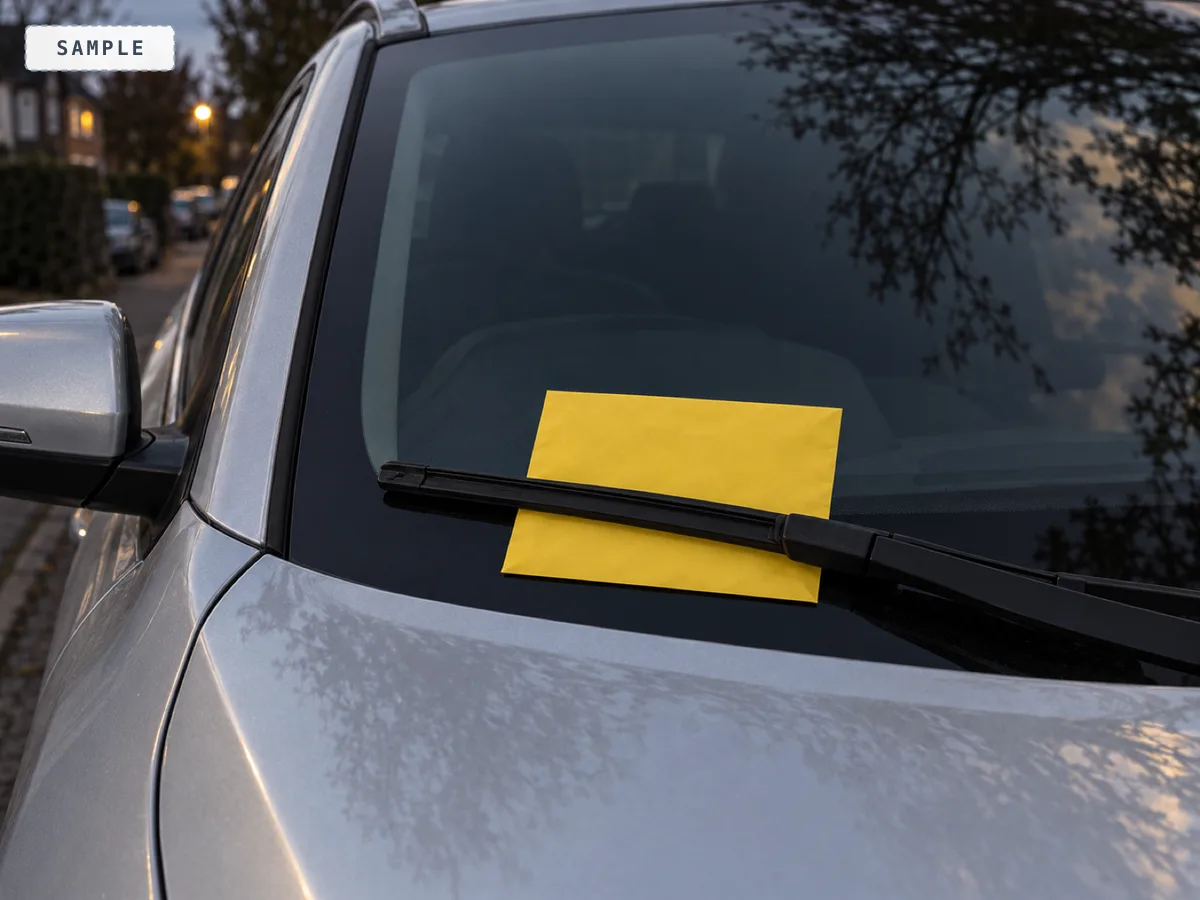
A PCN or speeding notice often lands weeks after the car went out. Because every hire has a record of who had the car, KeyProof turns "who was driving?" into one tap, so you can recharge the hirer or transfer the liability.
Recording a fine
- Go to Records, then the Fines view, and choose to add a fine.
- Link the booking the fine belongs to. Linking it pulls in the hirer's name, date of birth, address and signed agreement.
- Fill in the type (PCN, speeding, bus lane, congestion charge, toll, or general), the reference number, the contravention date and time, the amount, and any notes.
- Set the respond-by date from the notice, so the deadline is tracked rather than remembered.
Which hire was it
If a notice lands and you are not sure which hire it belongs to, use the lookup on the Fines view. Give it the vehicle and the date and it tells you which hirer had that car at the time, so you can link the fine to the right booking.
Recharging and transferring liability
Once a fine is linked to a booking, Prepare liability pack assembles the hire and the hirer's captured details from the record into one document to send to the issuing authority, so the notice goes to the person who was actually driving. You can also simply recharge the hirer, using their verified details and signed agreement to back it. Mark the nomination sent when it has gone, either from the fine's own row in Records, Fines or from the top of the liability pack page you printed it from.
To collect a recharge, send the hirer their pay link from the fine's row. It opens a page showing what the fine is and what they owe, and takes their card payment straight to your own Stripe account, in the same chat you already talk in. No login, and the page never restates their personal details.
Tracking a fine to resolved
Each fine moves through a set of statuses so nothing gets forgotten: received, transferred, recharged, paid by firm, or cancelled. Transferred means you named the hirer to the issuing authority; recharged means you billed them yourself; paid by firm is money the business absorbed. Anything still at received or transferred counts as open, shows in the Needs you queue on your Today screen, and appears in your morning brief. Insurance claims are tracked separately in Records, Claims, with the insurer, the excess and the amounts, so they never get mixed up with parking fines.
Where fines end up
Once you have logged a fine, the Fines view carries a card counting every one you have on file by status. It answers the question the list on its own does not: how much you have actually pushed onto hirers, and how much the business has swallowed.
Amounts only ever come from fines you recorded a figure on. A fine logged without an amount is still counted in its status, adds nothing to the money, and the card says how many of those there are, so a total is never read as complete when it is not.
Underneath it is the nomination clock, which looks only at fines still sitting at received. It counts what is past its respond-by date and what falls due within seven days, and it counts separately the fines with no respond-by date entered at all. Those are the dangerous ones: nothing can warn you about a deadline that was never typed in.
With fewer than three fines on file the numbers are printed as a sentence rather than drawn, because a bar chart of two fines is the list again.
An unresolved fine also holds the hire's record back from its normal deletion date, so the evidence is still there while liability is still in play. See Hirer data and how long it is kept.